

Don’t use extra PC resources
Easy to match with any game
Best For:
Streamers who want a sleek, distraction-free design.
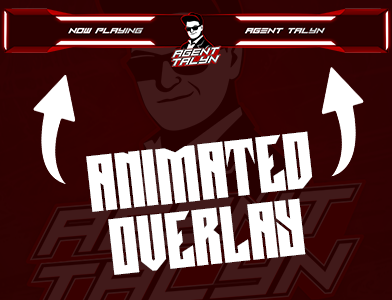
Animated Overlays
Animated overlays include moving effects, transitions, or looping graphics.
Pros:
Modern and dynamic look
Catch viewer attention quickly
Perfect for fast-paced or creative streams
Best For:
Streamers who want a bold, eye-catching style that matches their energy.
Which One Should You Choose?
If you want simplicity and performance, go static.
If you want energy and flair, go animated.
Many streamers mix both—static for main layouts, animated for alerts or transitions.
Final Thoughts
Your overlays are a reflection of your brand. Whether you choose static, animated, or a mix of both, consistency is the key to standing out. At Funix, we design custom Twitch overlays tailored to your style—helping you look professional and unique on stream.